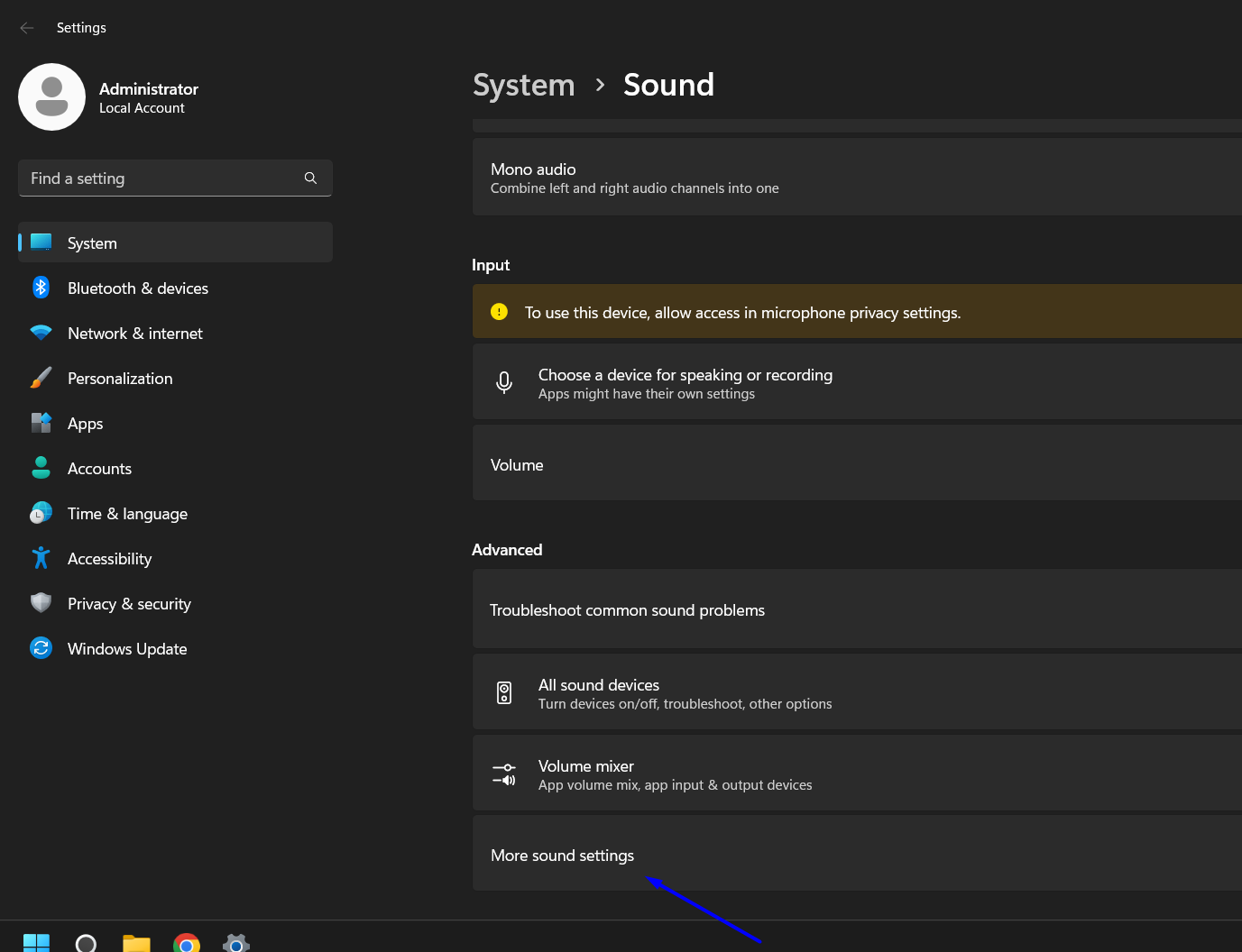
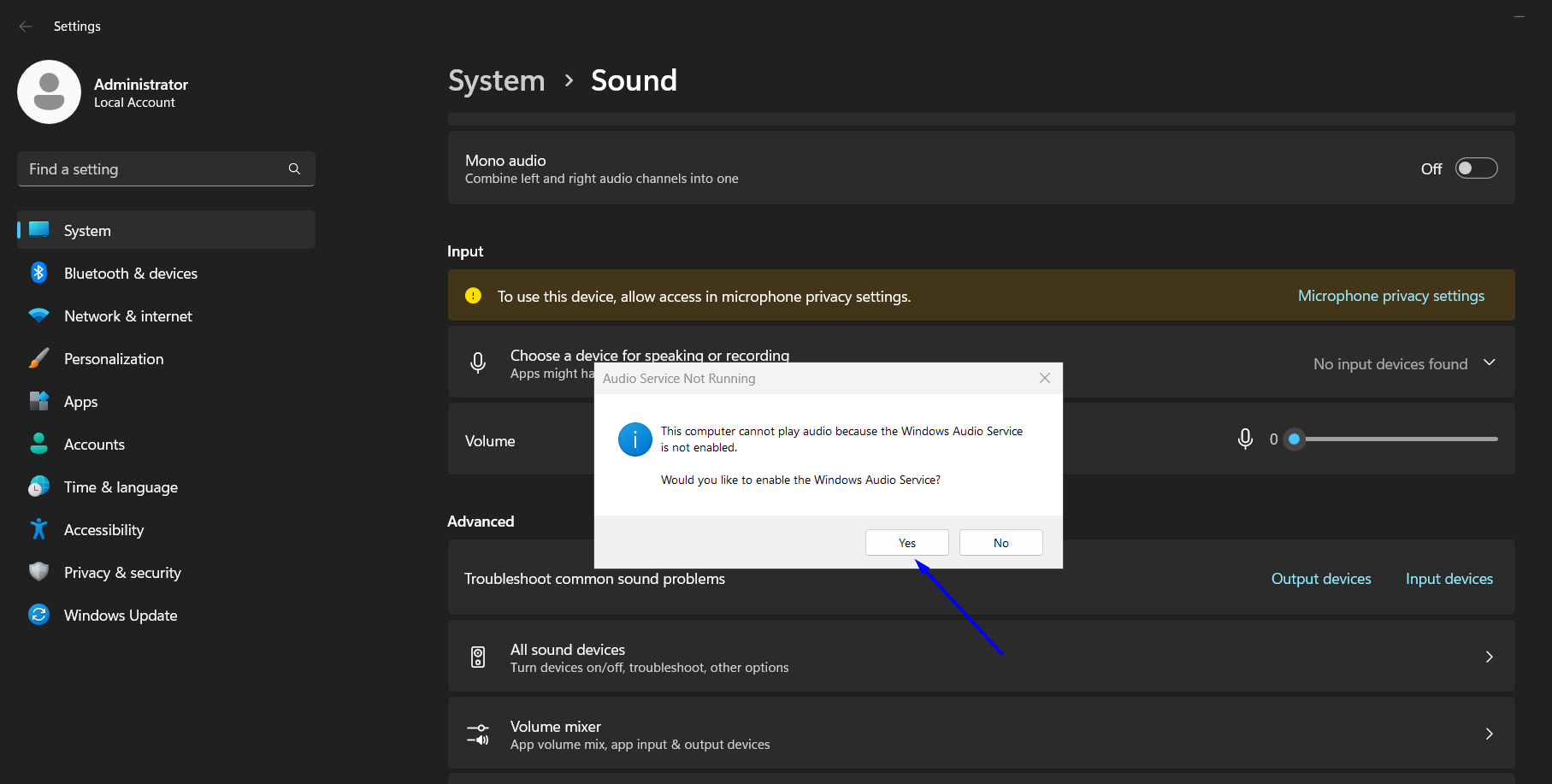
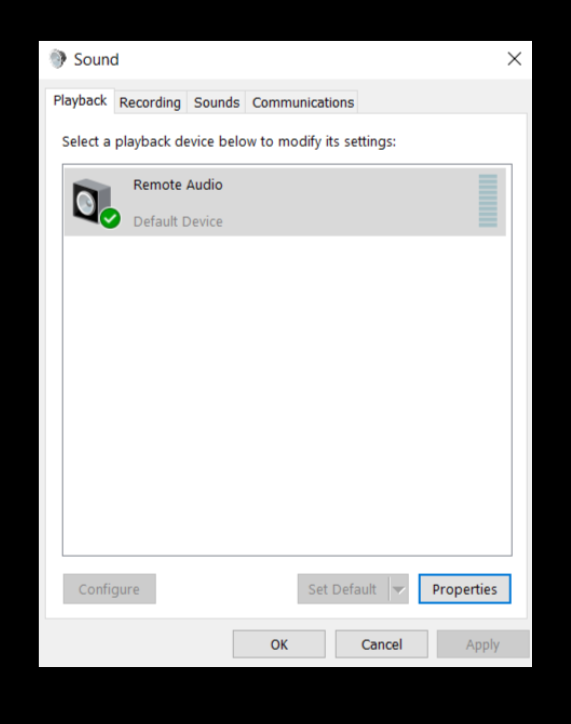
Follow this step-by-step guide to enable audio on your VPS:
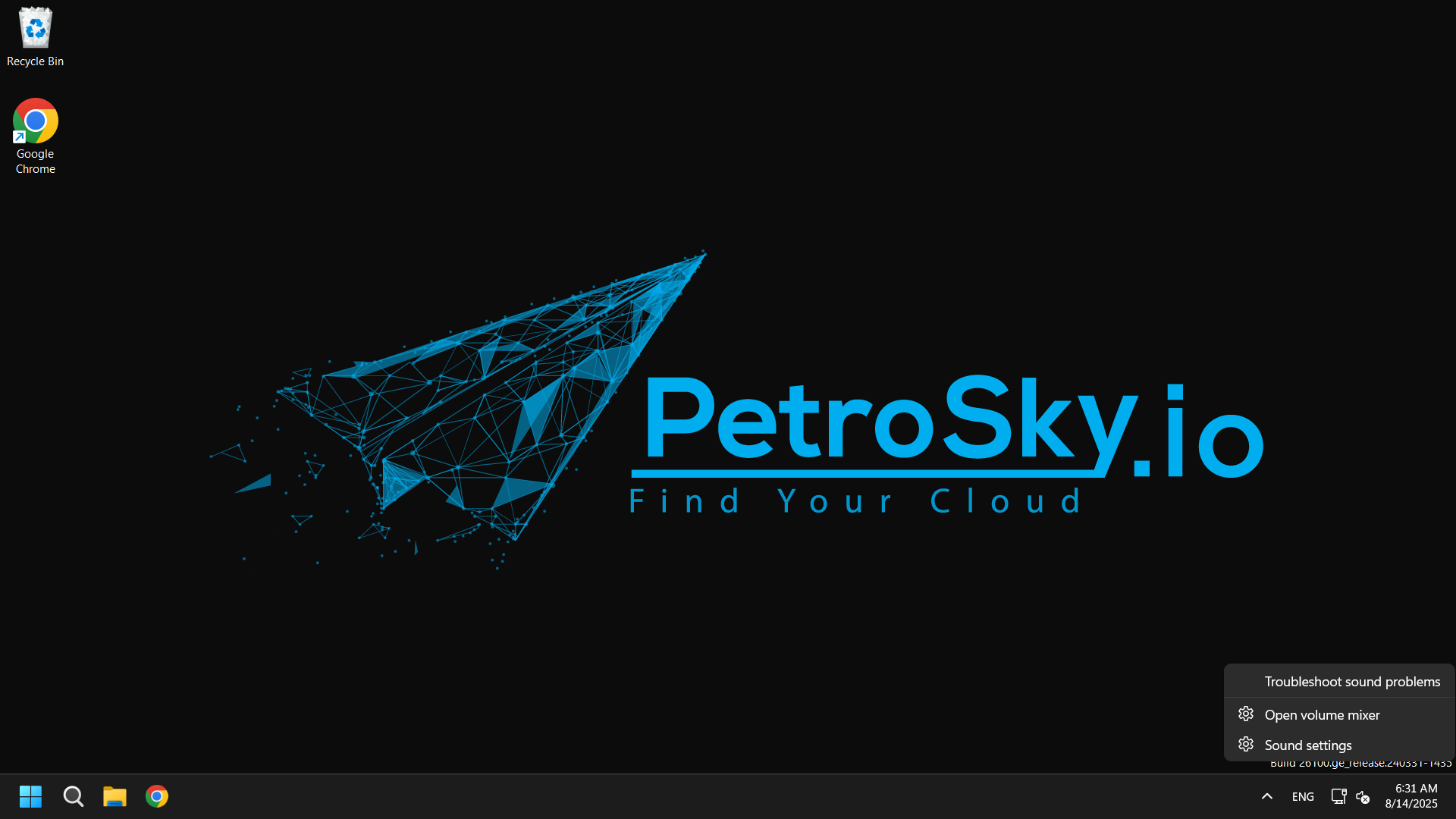
Right-click the audio icon on your VPS desktop.
The audio feature is now enabled on your VPS.
Thank you for choosing PetroSky!

Follow this step-by-step guide to enable audio on your VPS:
Right-click the audio icon on your VPS desktop.
The audio feature is now enabled on your VPS.
Thank you for choosing PetroSky!
Introduction: To follow this guide, you’ll need access to an Ubuntu 20.04 server as a sudo user....
Introduction: The LEMP software stack is a group of software that can be used to serve dynamic...
Introduction: In this tutorial, we will explore three different ways of installing Node.js and...
Introduction Zabbix is an enterprise-class open source monitoring solution. Which can be used...
Disabling Windows Firewall using noVNC. As we all know. noVNC might...