
Connecting to a VPS from Mac
Step 1:
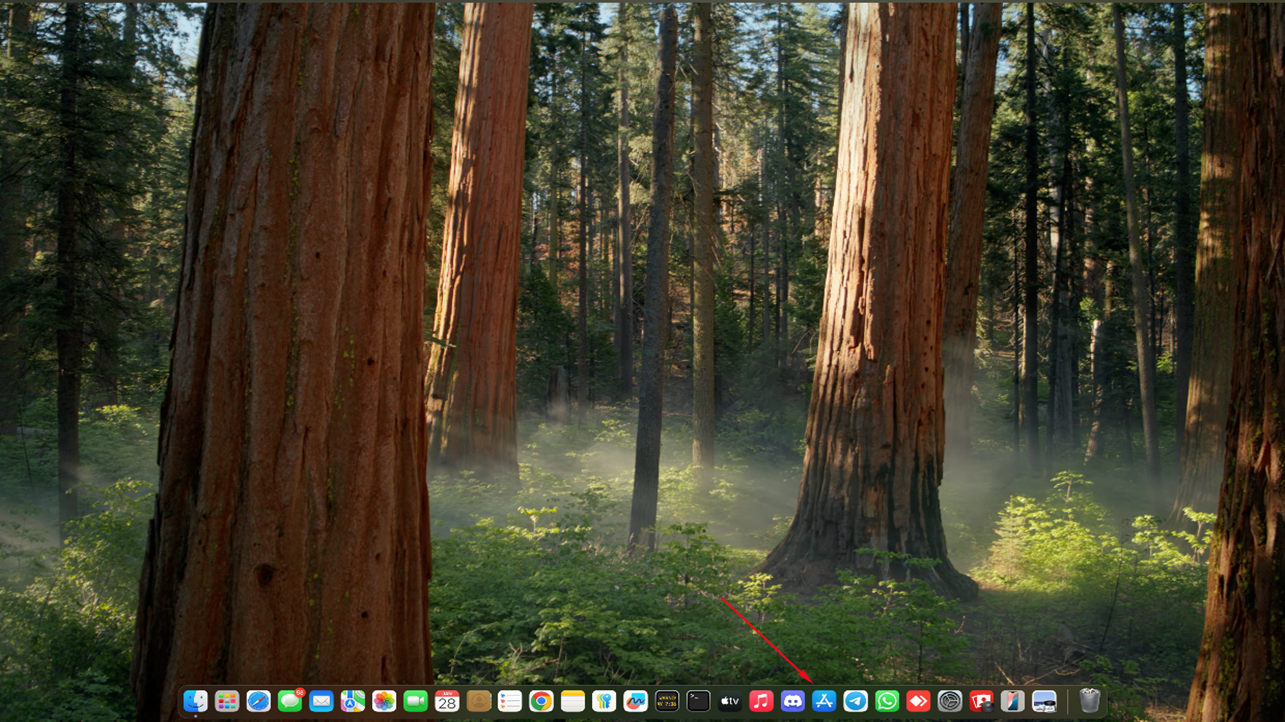
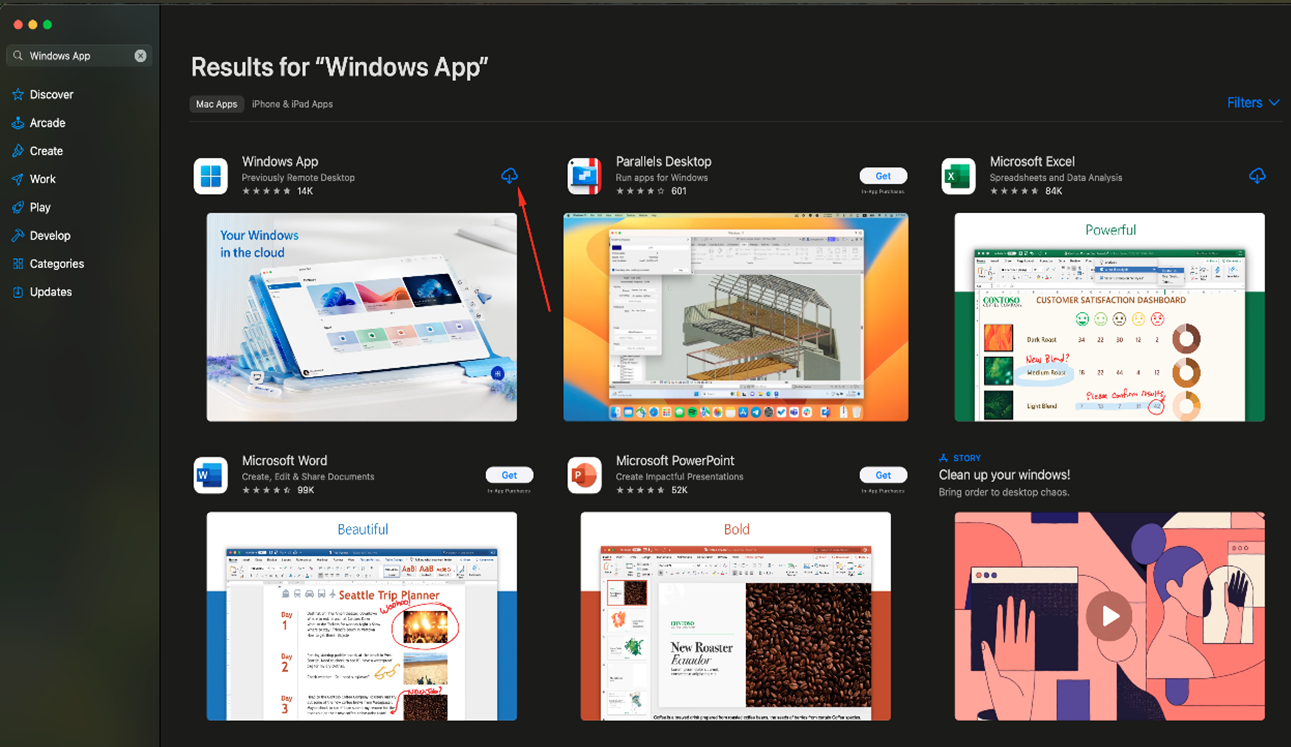
Open the App Store on your Mac, search for the Windows App, and install it.
Step 2:
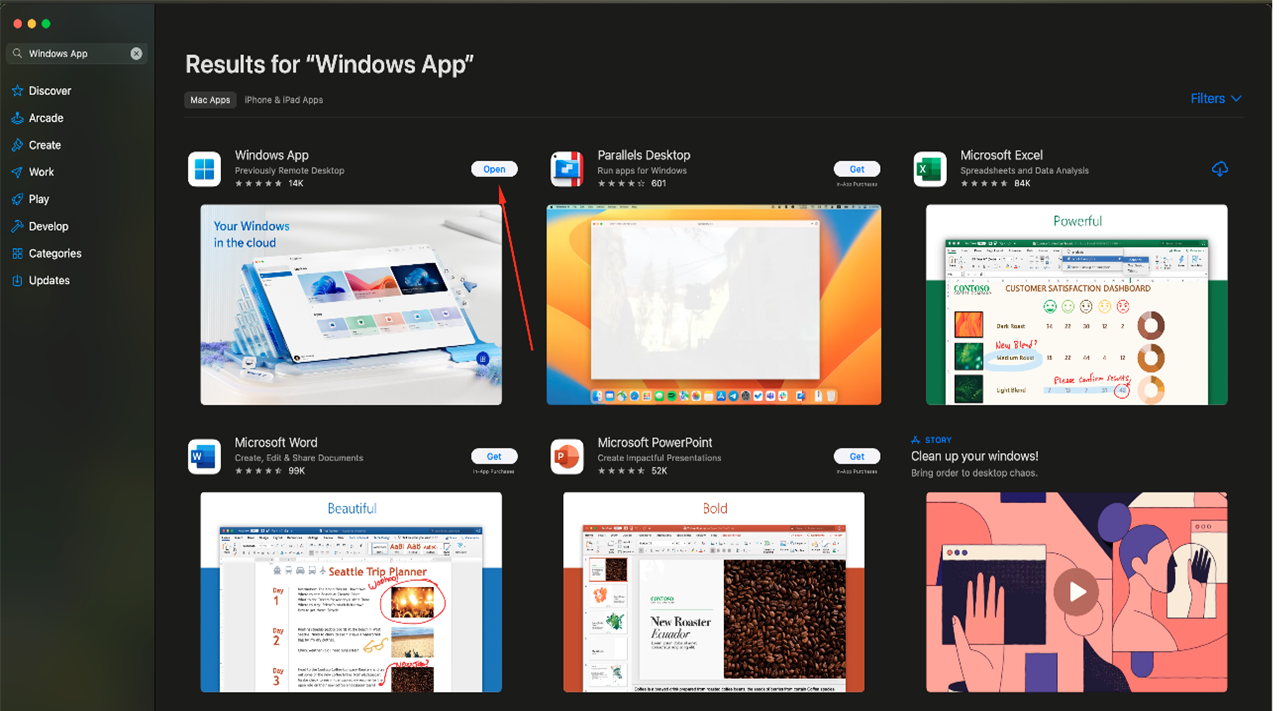
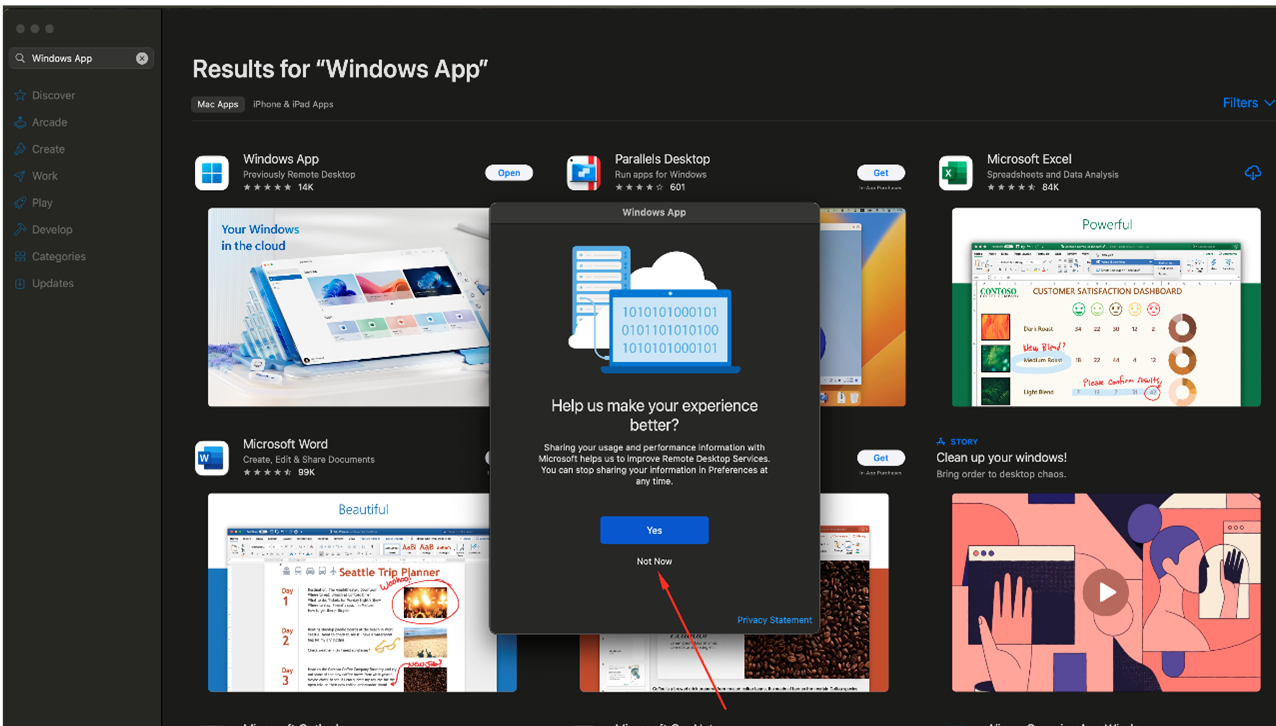
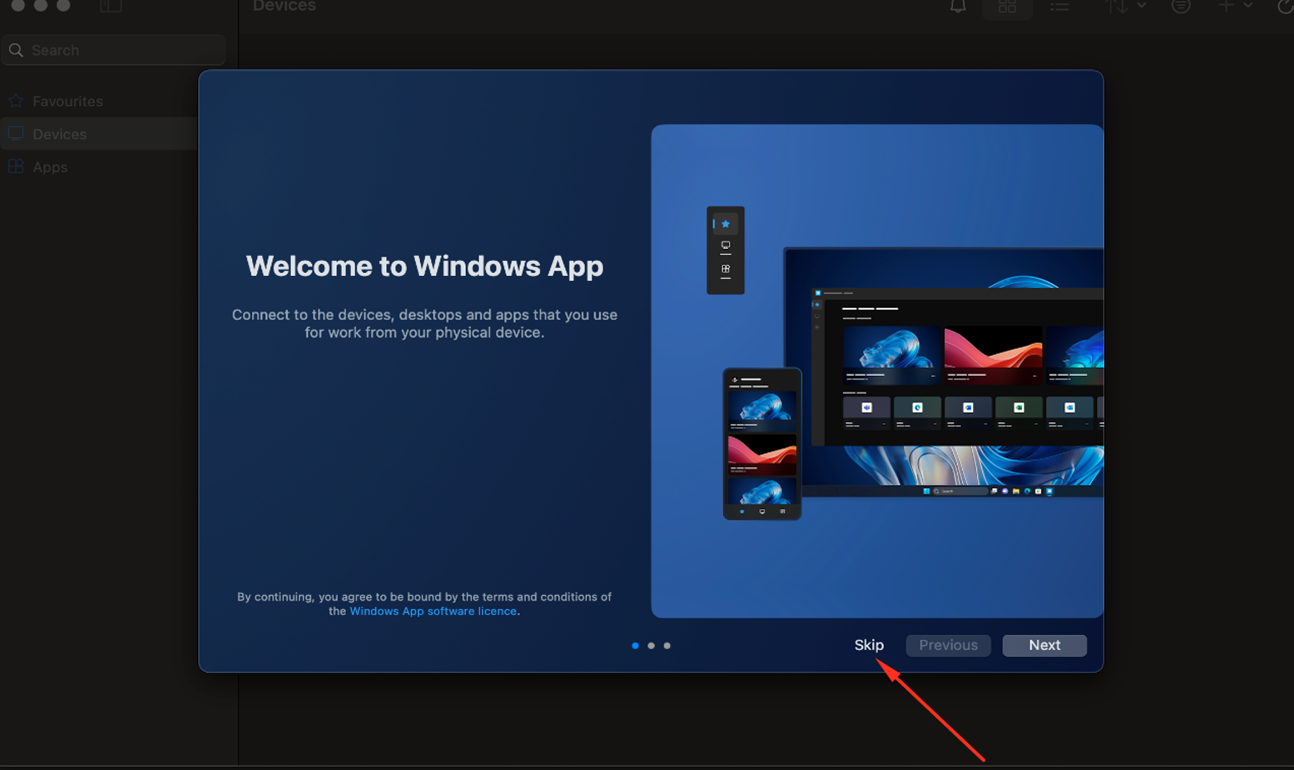
When the installation is complete, open the app. A welcome screen will be displayed, allowing you to either review the instructions for use or skip them, as you prefer.
Step 3:
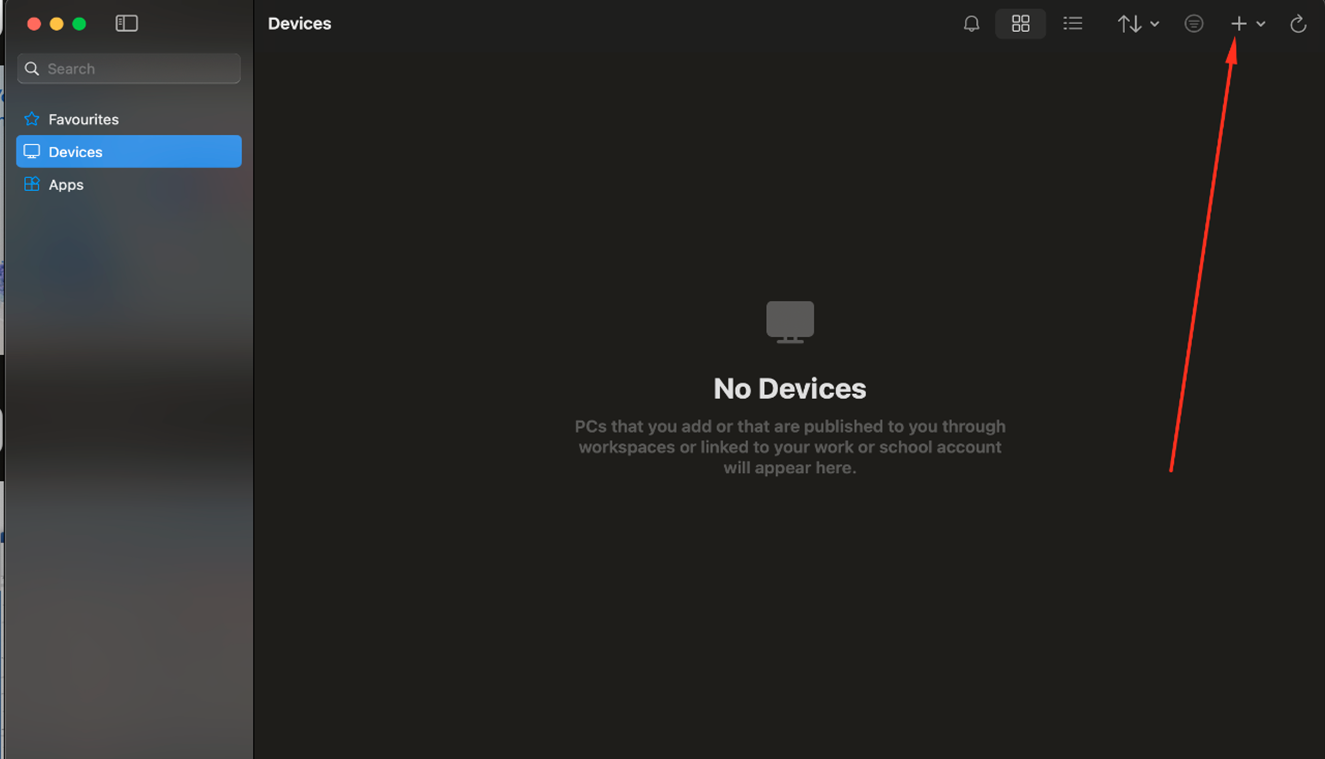
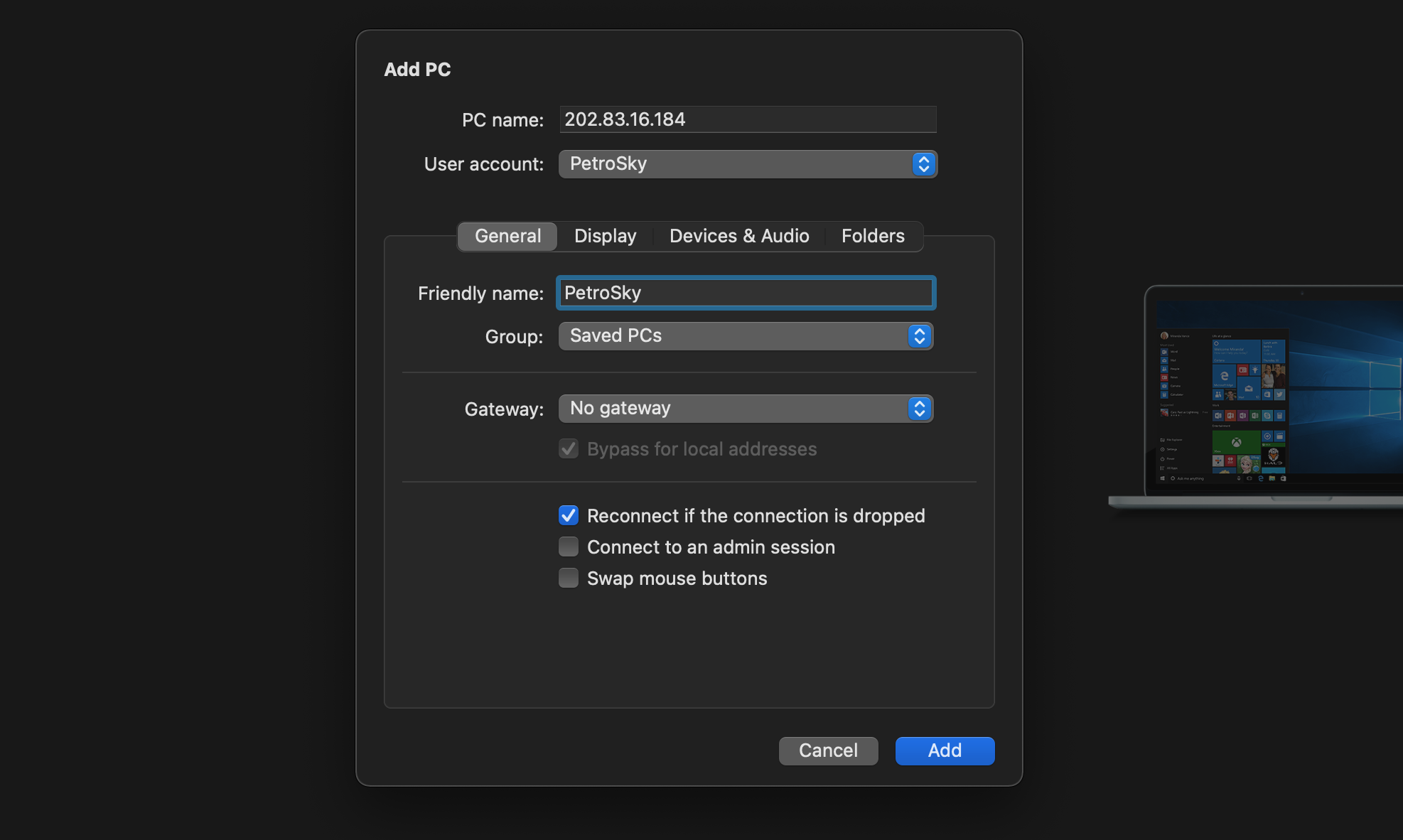
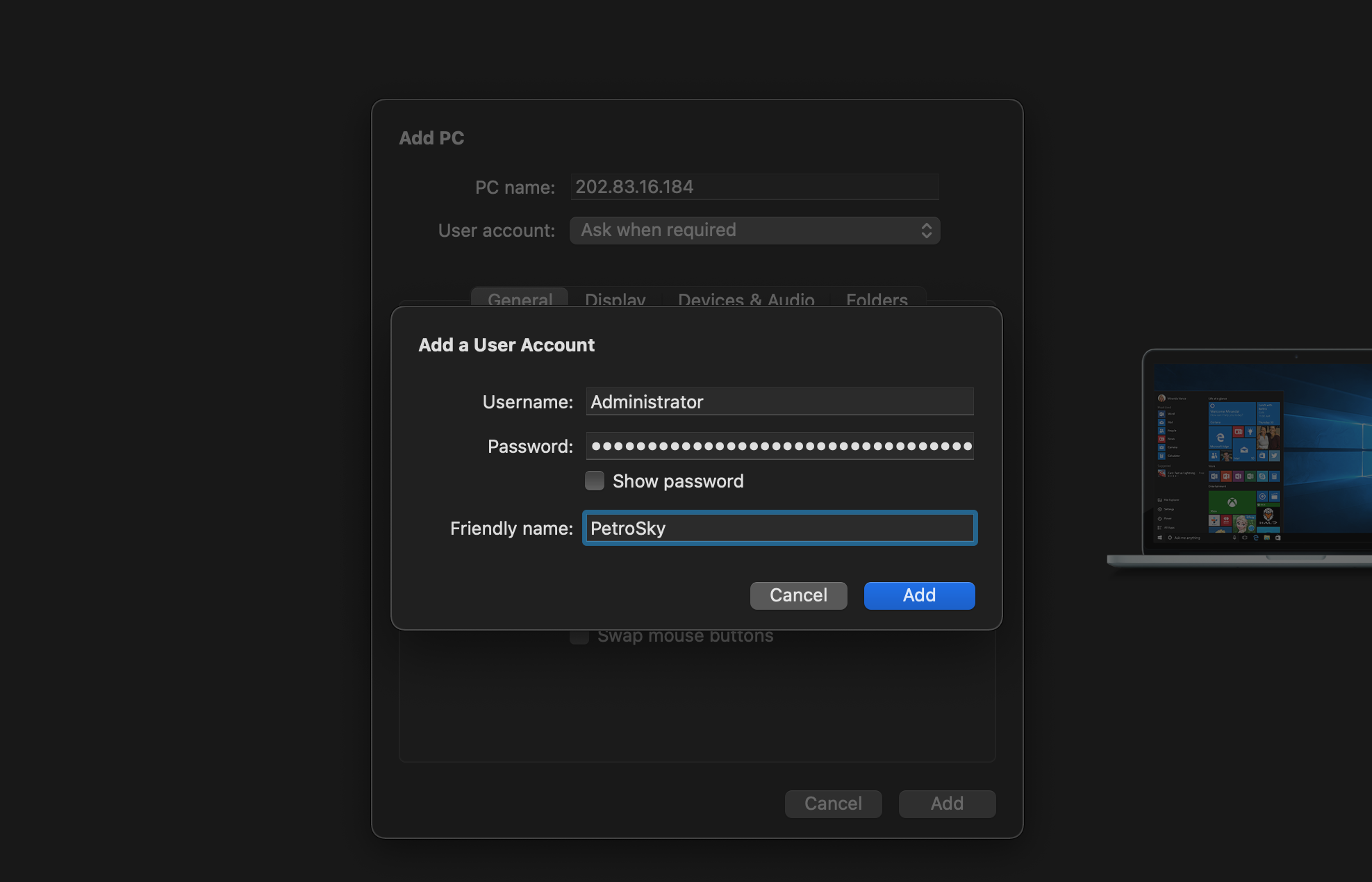
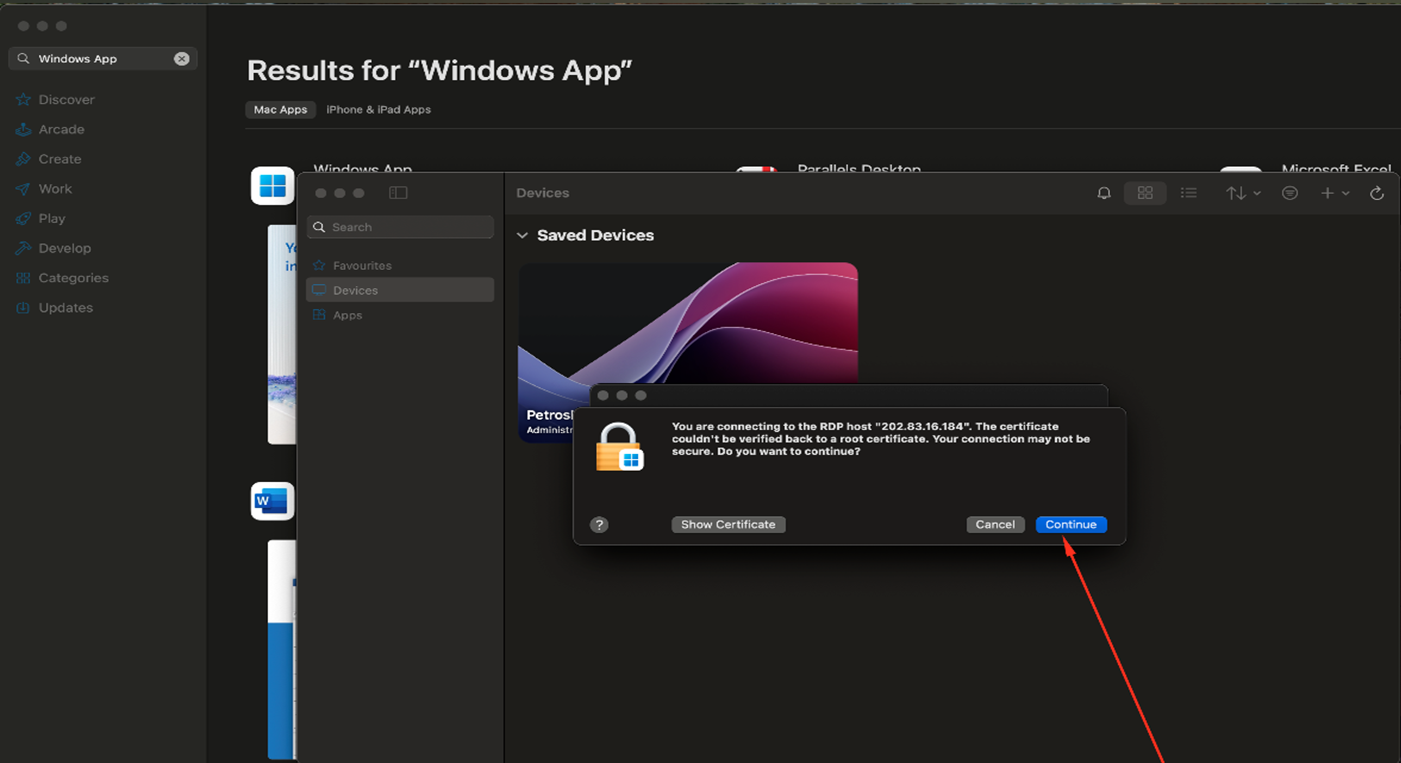
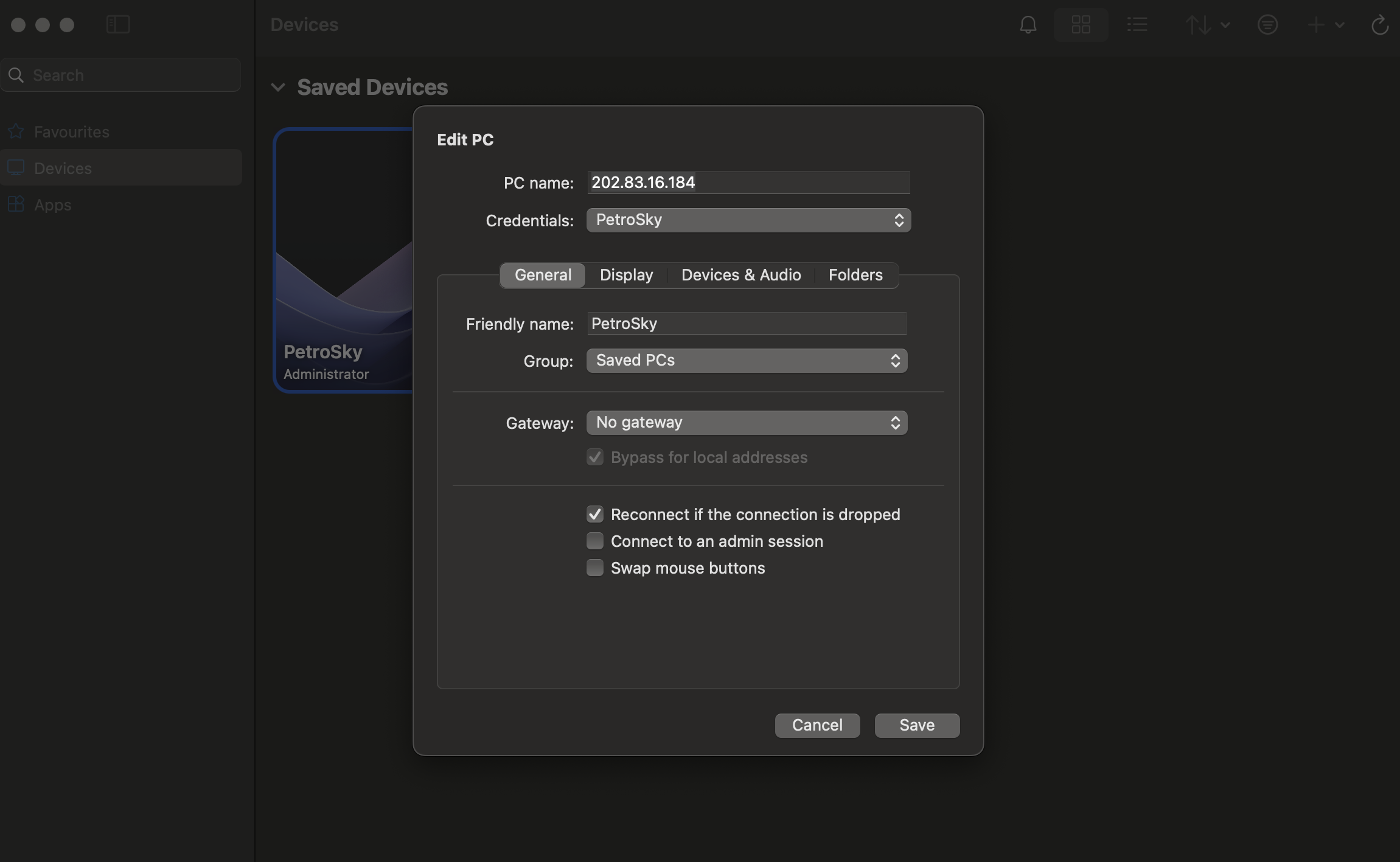
In the Devices section, click the + button ("Add PC") in the top-right corner. Add the required information, including your IP address and credentials, as shown in the screenshots. Your credentials were sent to you via email — please check your inbox (and spam folder) for an email from PetroSky.io with your login details.
The message "You are connecting to the RDP host..." will appear. Click "Continue" to proceed.
Step 4:
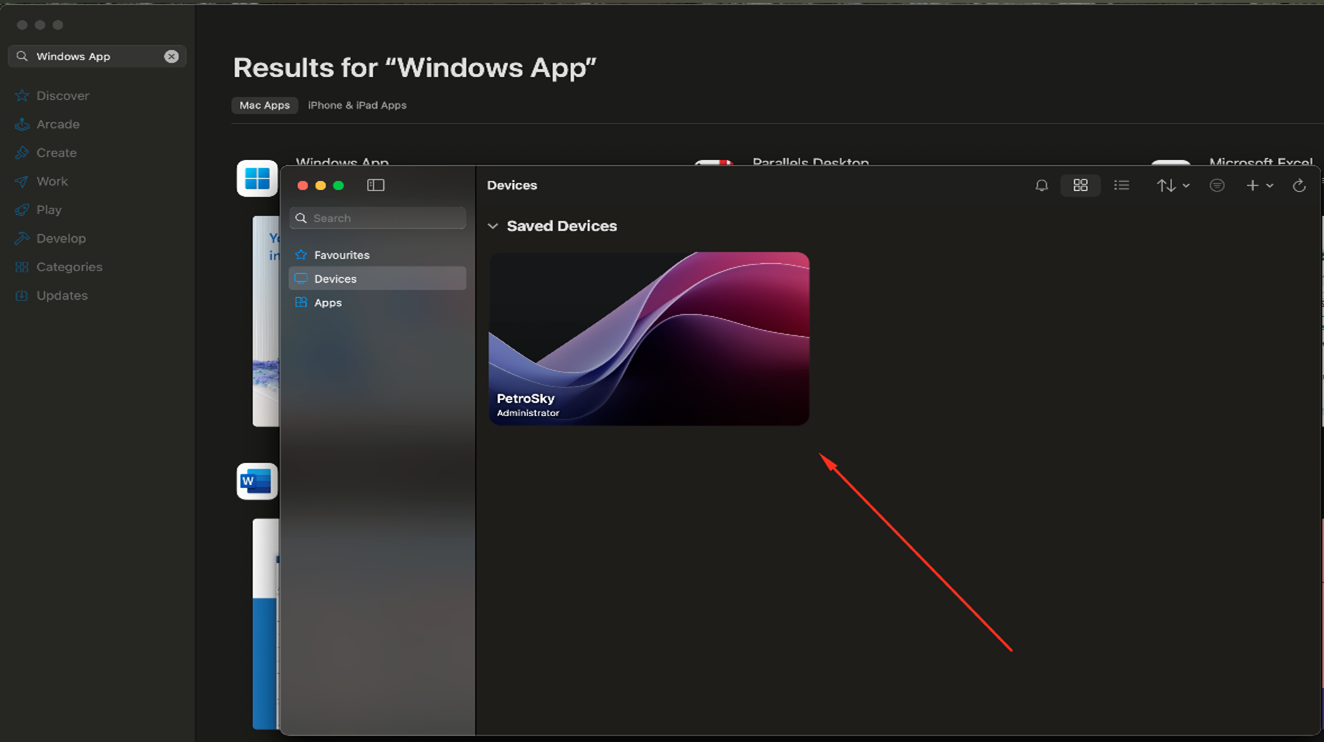
In the Edit PC section, review the details you entered and make any necessary adjustments. Once confirmed, the server you added will be listed under Saved Devices and ready for use.
That’s it! You’re all set. Enjoy using!
Thank you for choosing PetroSky!